Your customer scans,
you get paid.
A QR code on the front desk, stuck on the asset or printed on your quote: your customer scans it, pays by card from their phone, and the payment shows up in your dashboard straight away.
Deposit, balance, on-site service or a card hold for the security deposit: the same QR code triggers the right flow.


From QR code on the wall to payment confirmed
A payment QR code takes two minutes to create, is printed once, and then collects rental after rental.
Create the QR code
A fixed amount for a deposit or a specific invoice, or an open amount for a reusable QR code the customer fills in themselves.
Print it or display it
A sign at the desk, a sticker on the equipment, a box on your quote, or your own phone screen held out to the customer: put the QR code wherever it fits.
Your customer scans it
The camera app is enough. The payment page opens under your name, with the amount and the reason already filled in.
They pay by card in seconds
The payment is processed by Stripe with 3D Secure authentication. No card details ever pass through you.
You get the confirmation immediately
The status turns to "paid" in your dashboard, and you can be notified by email as soon as a QR code is scanned.
The proof joins the dossier
Amount, date, payment method and scan are recorded in the rental's proof dossier, alongside the rest of the documents.
A reusable QR code stays on display permanently: it mints a new payment request at every scan, with nothing to redo on your side.
Get paid on the spot, with no terminal and no waiting
The transfer that never lands, the cheque banked three weeks later, the cash you never see: a QR code gets the customer to pay while they are still standing in front of you.
Paid before they leave
Your customer pays while they are still there, from their phone. No IBAN copied out wrong, no chasing a week later.
One QR code per purpose
Deposit, balance, extra service, card hold for the security deposit, link to a document: each QR code triggers the flow you chose.
No hardware to buy
No card terminal, no subscription to a device: a printed sheet or a sticker is enough, and your customer's phone does the rest.
You know who paid what
Every QR code counts its scans and ties its payments to the right rental: you can see what is settled and what is not, without a spreadsheet.
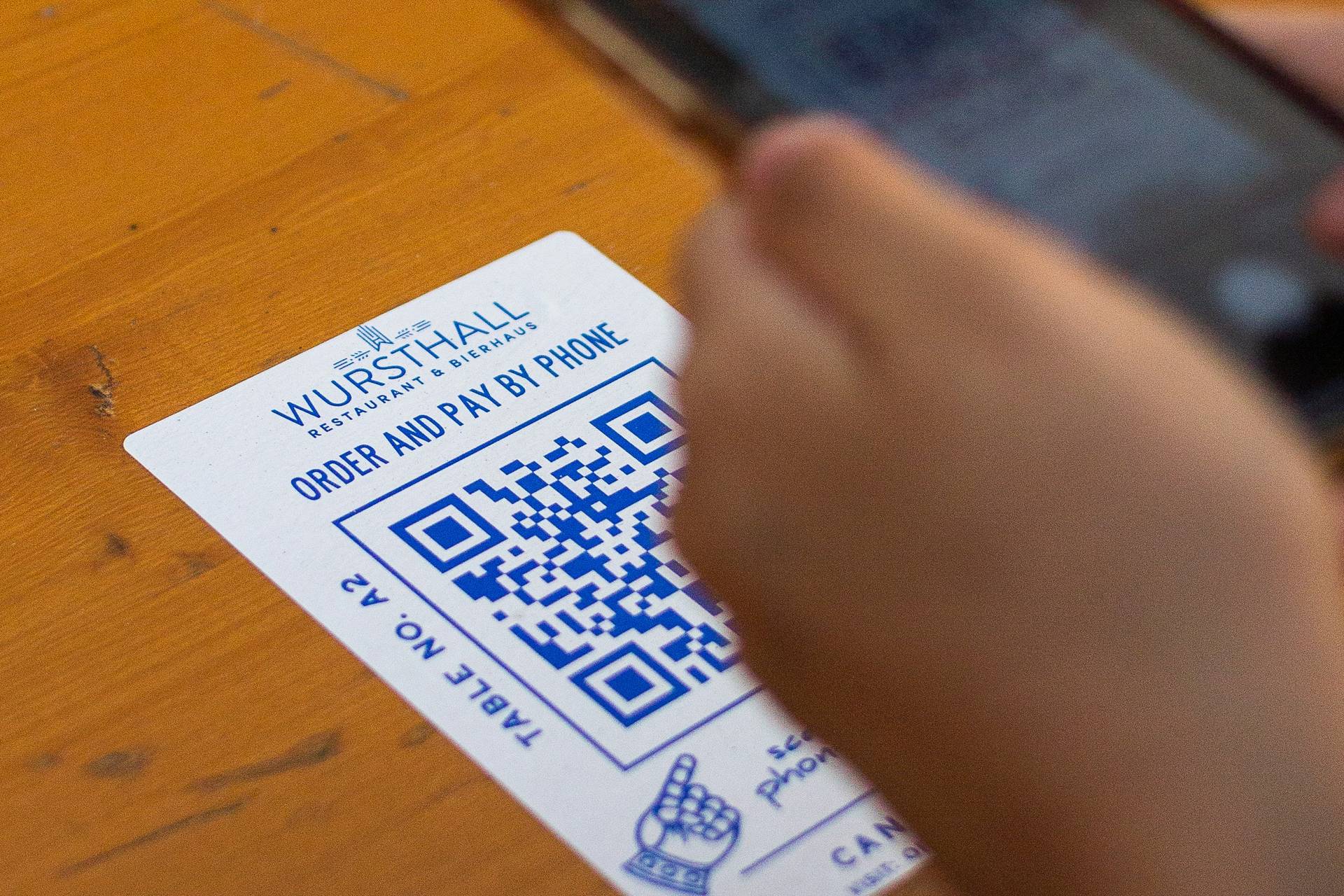

The payment QR code, explained
A payment QR code is a printed or displayed square that, once scanned with a phone, opens a payment page under your name. Your customer has nothing to install and nothing to type: they open the camera, the amount appears, they pay by card.
For anyone renting things out, for a tradesperson or a property manager, it is the most direct way to get paid while the customer is right there: a booking deposit, the balance at key handover, an extra service added on site, or the security deposit before departure.
How does a payment QR code work?
A QR code holds no money, and at Booloopay it does not even hold the amount: it holds a link to a payment page hosted by the platform. That is what makes it a dynamic QR code — and it changes everything.
You can change the amount, the reason, or even deactivate the QR code without ever reprinting it: the square stays the same, the page it opens is updated. A sticker on a vehicle or a framed sign at the front desk can therefore serve for years.
When should you use one in a rental?
At booking, to collect a deposit without waiting for a bank transfer. On arrival, for the balance, simply by showing the QR code to your customer. During the rental, for an added service: extra cleaning, extra hours, fuel, delivery.
At departure, a QR code can also trigger a card hold for the security deposit, or the payment of damage noted during the check-out inventory. In every case the customer pays from their phone, in seconds, without you having to pull out a terminal.
Single-use or reusable QR code?
A fixed-amount QR code stands for one precise sum: a booking deposit, an invoice, a balance. It is ideal for a targeted send — on a quote, in an email, on a purchase order.
A reusable QR code stays on display permanently. The amount can be fixed (the price of a standard service) or left open, with the customer entering the agreed sum. Each scan creates a new payment request: this is the format for front-desk signs, shop windows and stickers.
Payment, security deposit and proof in one place
Getting paid quickly is good; knowing six months later who paid what is better. Every payment collected by QR code joins the rental's dossier, next to the signed contract, the inventory report and the shared documents.
The proof dossier keeps the amount, the timestamp, the payment method and the scan history. If a payment is ever disputed, you do not have to rebuild the story from your bank statements: it is already gathered in one place.
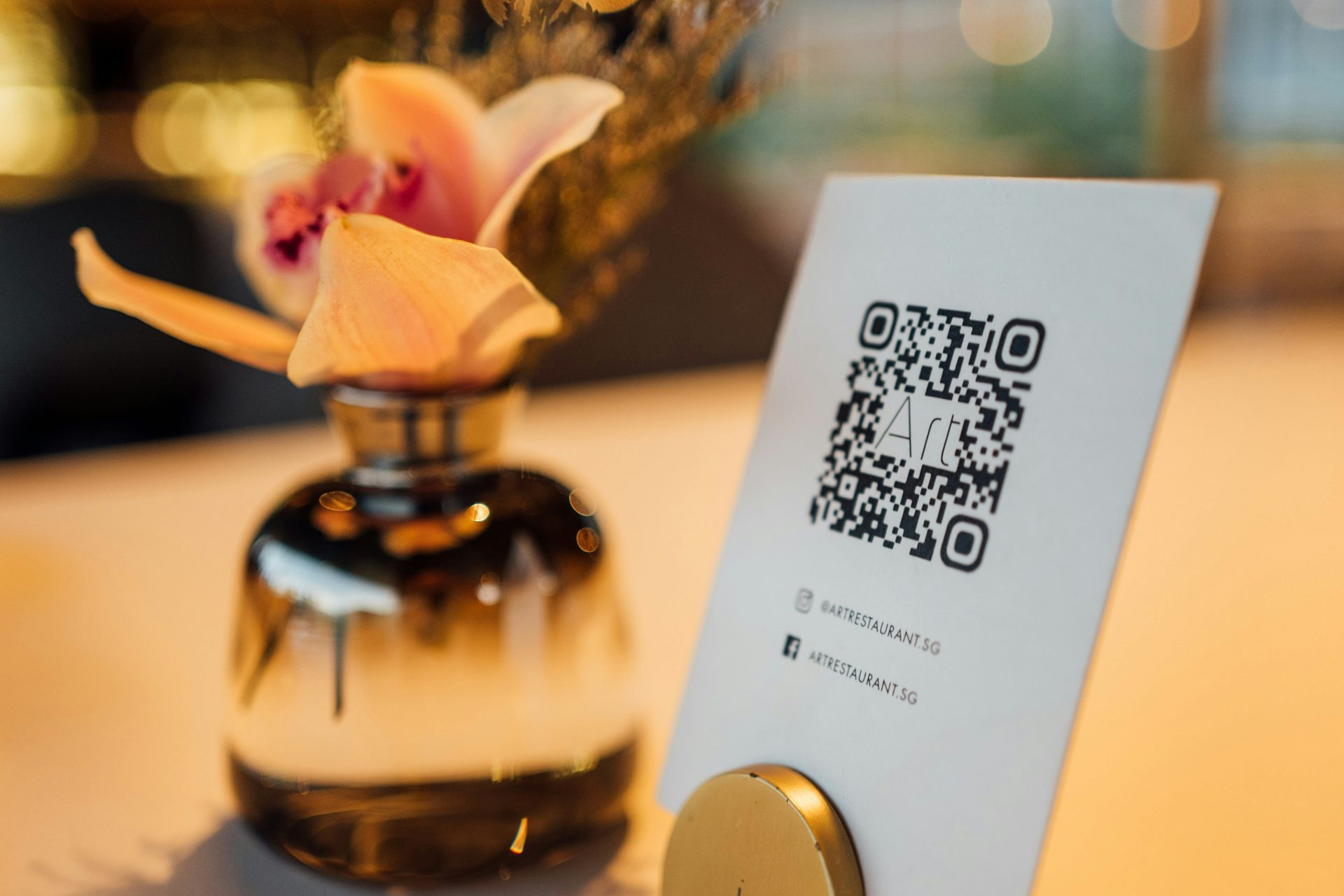

Frequently asked questions
Your next payment can fit into a single scan.
Start for free today. No credit card, no commitment.
⚠️ Collecting later often means not collecting at all.
The promised transfer, the forgotten cheque, the cash that never arrives: while your customer is still in front of you, a QR code settles it.
Criar um dossiê seguro demora menos de 2 minutos. Depois poderá:
- Pedir um pagamento
- Obter uma retenção bancária
- Fazer assinar os seus documentos
- Guardar todas as provas
…before your customer leaves.
Create my payment QR code14 dias de teste • Sem compromisso